
HTML comments are notes written inside HTML code that are not displayed on the web page. They are useful for explaining code, organizing large HTML documents, and temporarily disabling sections of code during development.
Comments are ignored by the browser when rendering the page, but they remain visible in the HTML source code.
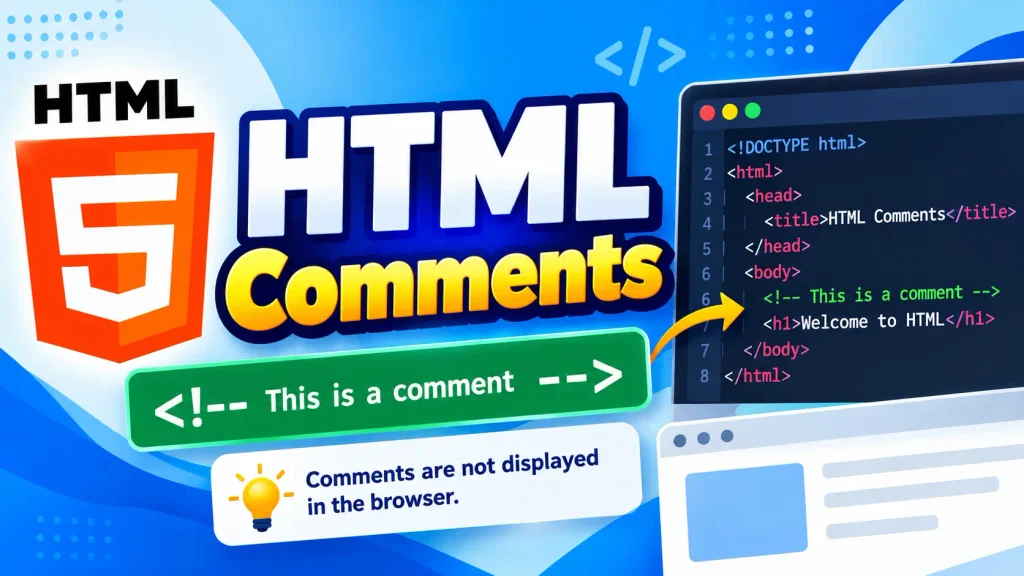
In this tutorial, you will learn what HTML comments are, how to write them, where to use them, how to create multiline comments, how to comment out HTML code, and the best practices for using comments.
What Are HTML Comments?
HTML comments are text written inside special comment syntax that tells the browser not to display the text as part of the webpage.
A basic HTML comment looks like this:
<!– This is an HTML comment –>
The browser does not display the comment on the webpage.
For example:
<p>Welcome to Web4Learners.</p>

<!-- This paragraph explains the content above -->
The user will only see the paragraph on the webpage. The comment remains inside the HTML source code.
Why Are HTML Comments Used?
HTML comments are mainly used to make code easier to understand and maintain.
They can be used to:
- Explain what a section of HTML code does.
- Add notes for developers.
- Organize large HTML documents.
- Identify different sections of a webpage.
- Temporarily disable HTML code.
- Make complex code easier to maintain.
- Leave reminders for future development.
For example:
<!-- Website header -->
<header>
    <h1>Web4Learners</h1>
</header>
The comment makes it immediately clear that the following section contains the website header.
HTML Comment Syntax
HTML comments start with <!-- and end with -->.
The general syntax is:
<!-- Comment text -->
There are three important parts:
| Part | Purpose |
|---|---|
<!-- | Starts the comment |
| Comment text | Contains the developer’s note |
--> | Ends the comment |
Everything between <!-- and --> is treated as a comment.
HTML Comment Example
Here is a simple example:
<!-- This is a heading -->
<h1>HTML Tutorial</h1>
The browser displays:
HTML Tutorial
It does not display:
This is a heading
The comment is only present in the HTML source code.
HTML Comments Are Not Displayed on the Webpage
One of the most important characteristics of HTML comments is that they are not displayed as normal webpage content.
For example:
<h1>Welcome</h1>

<!-- This text will not appear on the webpage -->
The browser displays only the heading.
Comments are intended for developers rather than website visitors.
Single-Line HTML Comments
A comment containing a short note can be written on one line.
For example:
<!– Website title –>
You can also place a comment next to an element:
<h1>HTML Tutorial</h1> <!– Main heading –>
For short explanations, single-line comments are usually enough.
Multi-Line HTML Comments
HTML comments can contain multiple lines of text.
For example:
<!--
This section contains
the main navigation
of the website.
-->
Everything between the opening and closing comment markers is ignored by the browser.
Multiline comments can be useful when documenting larger sections of HTML.
Commenting Out HTML Code
HTML comments can also be used to temporarily disable code.
For example:
<!--
<p>This paragraph is temporarily disabled.</p>
-->
The paragraph will not appear on the webpage because it is inside a comment.
This can be useful when testing different versions of a page.
Commenting Out Multiple HTML Elements
You can place several HTML elements inside one comment.
For example:
<!--
<h2>Latest Articles</h2>
<p>Read our latest tutorials.</p>
<a href="/html/">Learn HTML</a>
-->
None of these elements will be rendered as normal webpage content.
This is useful when temporarily removing an entire section without deleting the original code.
HTML Comments for Organizing Code
Comments can help divide a large HTML document into logical sections.
For example:
<!-- Header -->
<header>
    <h1>Web4Learners</h1>
</header>

<!-- Main Content -->
<main>
    <h2>HTML Tutorials</h2>
</main>

<!-- Footer -->
<footer>
    <p>Copyright Web4Learners</p>
</footer>
This makes the HTML document easier to scan and understand.
a user who views the source code may be able to see that comment.
Therefore, you should not put passwords, API keys, private information, or confidential information inside HTML comments.
HTML Comments and Sensitive Information
Never use HTML comments to store sensitive information.
Avoid writing:
<!-- Admin password: mypassword123 -->
Comments can be visible to anyone who has access to the page source.
Do not place the following information inside HTML comments:
- Passwords
- API keys
- Private tokens
- Database credentials
- Personal information
- Confidential business information
- Secret URLs
Comments should contain information that is safe to expose in the source code.
HTML Comments in a Complete Page
Here is an example of comments used to organize a complete HTML document:
<!DOCTYPE html>
<html lang="en">

<head>

    <!-- Page title -->
    <title>HTML Comments</title>

</head>

<body>

    <!-- Header -->
    <header>
        <h1>HTML Comments</h1>
    </header>

    <!-- Main content -->
    <main>
        <p>Learn how HTML comments work.</p>
    </main>

    <!-- Footer -->
    <footer>
        <p>Web4Learners</p>
    </footer>

</body>

</html>
HTML Comments and Accessibility
Comments themselves are not normally read as visible content by users or screen readers.
Important information should therefore not be placed only inside comments.
For example, avoid:
<!-- Click the button to download the PDF -->
<button>Download</button>
If the instruction is important for the user, it should be visible or otherwise appropriately accessible.
A better approach is:
<p>Click the button to download the PDF.</p>

<button>Download</button>
The comment can still be used for developer-specific information.
Using the Wrong Syntax
HTML comments use:
<!– Comment –>
Do not use JavaScript-style syntax for an HTML comment: // This is not an HTML comment
Also, CSS-style syntax is not the correct HTML comment syntax:
/* This is not an HTML comment */
Accidentally Commenting Out Too Much Code
Be careful when placing a large section inside a comment.
For example:
<!--
<h1>Heading</h1>
<p>Paragraph</p>
<a href="about.html">About</a>
-->
All three elements are disabled.
HTML Comments Quiz
Test your knowledge of HTML comments.
2 thoughts on “HTML Comments”
Comments are closed.