
HTML paragraphs are used to organize text into readable blocks on a web page. The <p> element is one of the most commonly used HTML elements and is essential for writing articles, descriptions, instructions, blog posts, and other text-based content.
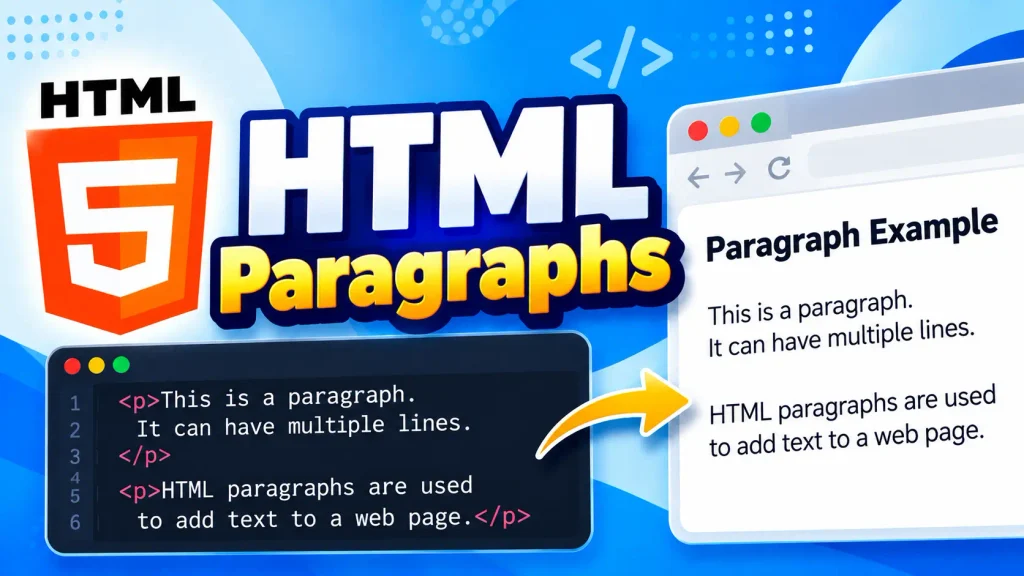
In this tutorial, you will learn what HTML paragraphs are, how to create paragraphs, how browsers display them, and how to style paragraphs using CSS.
What Is an HTML Paragraph?
An HTML paragraph is created using the <p> element. The content of the paragraph is placed between the opening <p> tag and closing </p> tag.
<p>This is an HTML paragraph.</p>
The browser displays the text as a separate paragraph on the web page.
HTML paragraphs make long pieces of text easier to read by dividing content into logical sections.
HTML Paragraph Syntax
The basic syntax of an HTML paragraph is:
<p>Paragraph content goes here.</p>
Here:
<p>is the opening paragraph tag.Paragraph content goes here.is the paragraph text.</p>is the closing paragraph tag.
For example:
<p>HTML is used to create the structure of web pages.</p>
Creating Multiple HTML Paragraphs
You can create multiple paragraphs by using multiple <p> elements.
<p>HTML is the standard markup language for creating web pages.</p>

<p>CSS is used to style HTML elements and make web pages attractive.</p>

<p>JavaScript is used to add interactivity to web pages.</p>
Each <p> element represents a separate paragraph.
The browser normally displays some space between paragraphs because browsers have default styling for the <p> element.
HTML Paragraphs and Line Breaks
HTML automatically handles normal spaces and line breaks in source code according to its whitespace rules. If you need to force the text onto a new line, you can use the <br> element.
<p>Hello<br>Welcome to Web4Learners.</p>
The <br> element creates a line break without starting a new paragraph.
For separate ideas or sections of text, use <p> instead of repeatedly using <br>.
Styling HTML Paragraphs with CSS
You can use CSS to change the appearance of HTML paragraphs.
<p class="description">Learn HTML step by step with practical examples.</p>
.description {
    color: #333;
    font-size: 18px;
    line-height: 1.6;
}
CSS can control properties such as:
- Text color
- Font size
- Font family
- Line height
- Text alignment
- Margins
- Letter spacing
HTML Paragraph Alignment
The text-align CSS property can be used to align paragraph text.
p {
    text-align: left;
}
Other commonly used values include:
p {
    text-align: center;
}
p {
    text-align: right;
}
For most website content, left-aligned text is generally easier to read.
HTML Paragraphs with Other Elements
Paragraphs can contain inline elements such as links, strong text, emphasized text, and images in appropriate contexts.
For example:
<p>Learn <strong>HTML</strong> and build your first <a href="#">web page</a>.</p>
This allows you to format and organize content while keeping the paragraph structure meaningful.
Common Mistakes with HTML Paragraphs
Beginners often make a few common mistakes when working with paragraphs.
Forgetting the Closing Tag
Incorrect:
<p>This is a paragraph.
Correct:
<p>This is a paragraph.</p>
Using <br> for Every Paragraph
Avoid creating separate paragraphs using multiple <br> elements.
Incorrect:
This is the first paragraph.<br><br>
This is the second paragraph.
Better:
<p>This is the first paragraph.</p>
<p>This is the second paragraph.</p>
Using <p> provides better document structure and makes the HTML easier to maintain.
HTML Paragraphs Best Practices
Follow these best practices when using HTML paragraphs:
- Use
<p>for normal blocks of text. - Keep paragraphs reasonably short for better readability.
- Use headings such as
<h1>,<h2>, and<h3>to organize sections. - Use
<br>only when a forced line break is actually needed. - Use CSS to control paragraph appearance.
- Avoid using multiple
<br>elements to create large spaces. - Write meaningful and readable content inside paragraphs.
HTML Paragraph Example
Here is a complete example:
<!DOCTYPE html>
<html>
<head>
    <title>HTML Paragraphs</title>
</head>
<body>

    <h1>HTML Paragraphs</h1>

    <p>HTML is the standard markup language used to create web pages.</p>

    <p>Paragraphs help organize written content into separate blocks.</p>

    <p>CSS can be used to change the appearance of paragraphs.</p>

</body>
</html>
HTML Paragraphs Cheat Sheet
| Element | Purpose |
|---|---|
<p> | Creates a paragraph |
</p> | Closes a paragraph |
<br> | Creates a line break |
<strong> | Gives strong importance to text |
<em> | Emphasizes text |
<a> | Creates a hyperlink |
HTML Paragraphs Quiz
Test your knowledge of HTML Paragraphs
2 thoughts on “HTML Paragraphs”
Comments are closed.